Étapes préliminaires
Télécharger et installer Android Studio
Téléchargement
Download Android Studio and SDK tools | Android Developers
Platform Android Studio package Size SHA-256 checksum Windows(64-bit) android-studio-ide-191.6010548-windows.exe Recommended 718 MB 58b3728fc414602e17fd9827e5ad0c969e5942aff1ee82964eedf1686450265b android-studio-ide-191.6010548-windows.zip No .exe installer 721 MB d88d640b3444f0267d1900710911ca350db6ca27d07466039e25caf515d909fe Windows(32-bit) android-studio-ide-191.6010548-windows32.zip No .exe installer 721 MB 2786400eb2f5d9ccbe143fe02d4e711915c83f95a335e609a890e897775195b7 android-studio-ide-191.6010548-mac.dmg 733 MB 6cb545c07ab4880513f47575779be7ae53a2de935435f8f22eb736ef72ecdf6e Linux(64-bit) android-studio-ide-191.6010548-linux.tar.gz 738 MB af630d40f276b0d169c6ac8c7663a989f562b0ac48a1d3f0d720f5b6472355db Chrome OS android-studio-ide-191.6010548-cros.deb 620 MB 87ca5f17f808ecb909e62c80da3e578156563309ca24f0b820064cc786d1360f See the Android Studio release notes.
 https://developer.android.com/studio/?gclid=CjwKCAiA1L_xBRA2EiwAgcLKA5Ax1t7sUaOcnKnv9vX8k6WtE7nH06NFHiEhiVATWu54Lxj8a9HEhxoC-csQAvD_BwE
Installation
Install Android Studio | Android Developers
Setting up Android Studio takes just a few clicks. First, be sure you download the latest version of Android Studio. To install Android Studio on Windows, proceed as follows: If you downloaded an .exe file (recommended), double-click to launch it.If you downloaded a .zip file, unpack the ZIP, copy the android-studio folder into your Program Files folder, and then open the android-studio > bin folder and launch studio64.exe (for 64-bit machines) or studio.exe (for 32-bit machines).
 https://developer.android.com/studio/install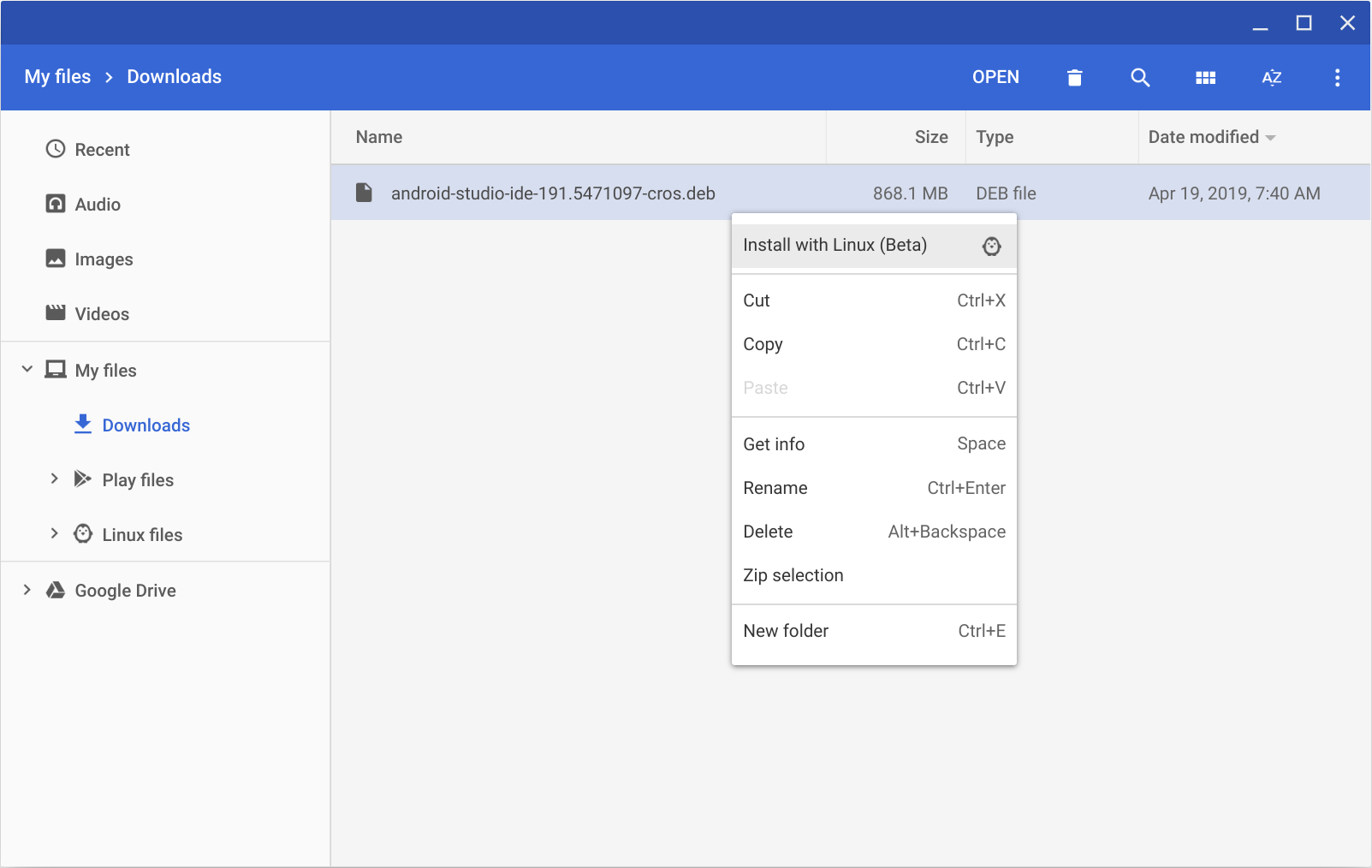
Introduction
Meet Android Studio | Android Developers
Android Studio is the official Integrated Development Environment (IDE) for Android app development, based on IntelliJ IDEA .
https://developer.android.com/studio/intro
Compiler et lancer une application Android
✍
Télécharger le code source de l'application Plaid par Google.
https://github.com/android/plaid (
git clone https://github.com/android/plaid.git)✍
Ouvrir le projet dans Android Studio. (File/Open puis séléctionner le dossier téléchargé au dessus)
Pour compiler une application Android, nous utilisons Gradle, un outil d'automatisation des tâches de compilation. Il permet de récupérer les librairies utilisées et de compiler l'application au format APK qui pourra ensuite être installé sur un téléphone.
Si vous n'avez pas encore activé le mode debug via USB, suivre les instructions à cette page:
Run apps on a hardware device | Android Developers
When building an Android app, it's important that you always test your app on a real device before releasing it to users. This page describes how to set up your development environment and Android device for testing and debugging over an Android Debug Bridge (ADB) connection.
 https://developer.android.com/studio/run/device
Si vous n'avez pas de téléphone Android, vous pouvez aussi utiliser un émulateur:
Run apps on the Android Emulator | Android Developers
The Android Emulator simulates Android devices on your computer so that you can test your application on a variety of devices and Android API levels without needing to have each physical device. The emulator provides almost all of the capabilities of a real Android device.
https://developer.android.com/studio/run/emulator
💡
Pour lancer l'application, utilisez la commande CTRL + R ou bien appuyez sur le bouton Run 'App': (ou utiliser la commande
./gradlew installDebug dans le terminal)📱
Compilez et lancez l'application sur votre téléphone
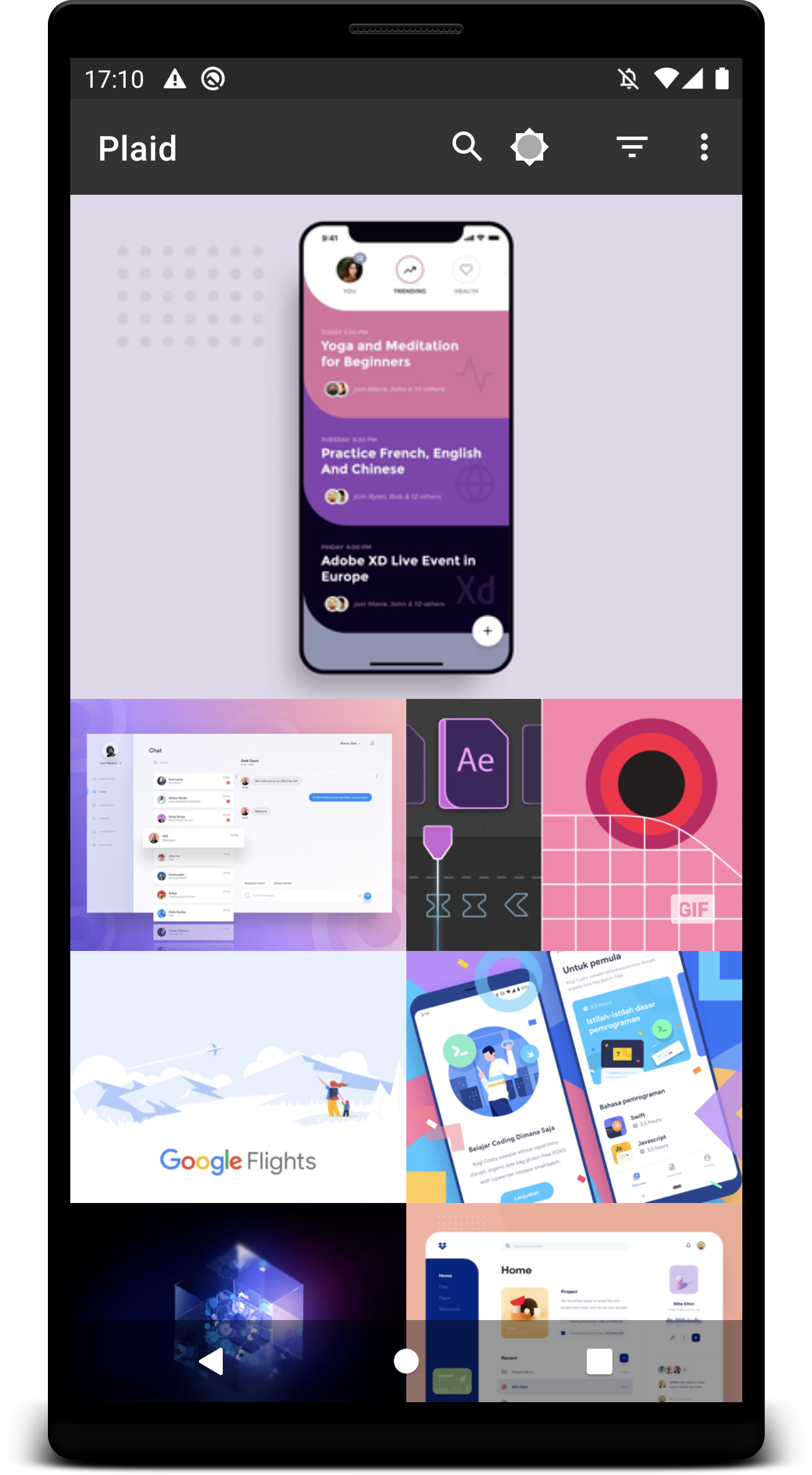
Vous devriez obtenir un écran comme celui ci: